
Download System Speed Booster – system speed booster, computer optimization, performance enhancement, disk cleanup, registry cleaner, system maintenance, speed up computer, remove junk files, optimize PC, boost system performance
Overview
System Speed Booster is a utility application designed to enhance the performance of Windows-based devices by addressing common system inefficiencies. The app targets users seeking to optimize their device’s speed and stability through automated cleanup and maintenance functions. It focuses on eliminating obsolete registry entries, temporary files, and other digital clutter that can degrade system responsiveness over time. By streamlining these elements, the application aims to improve overall device performance and extend the lifespan of the hardware.
Target users include both casual computer users and individuals managing multiple tasks on a single machine. The app is particularly useful for users experiencing slowdowns, frequent crashes, or reduced storage capacity. Real-world applications include preparing a device for intensive workloads, improving startup times, or maintaining a clean system after prolonged usage. The developer, SoftPas, positions the tool as a lightweight yet effective solution within the broader category of system maintenance utilities.
Although the developer did not provide additional technical details about the app’s architecture or underlying algorithms, the core purpose remains clear: to offer a straightforward method for system optimization. In the context of the Windows ecosystem, where performance degradation is a common concern, System Speed Booster fills a niche by delivering targeted cleanup functionality without requiring advanced technical knowledge. Its release on March 15, 2024, reflects a continued demand for accessible tools that empower users to take control of their device’s health.
Key Features & Functionality
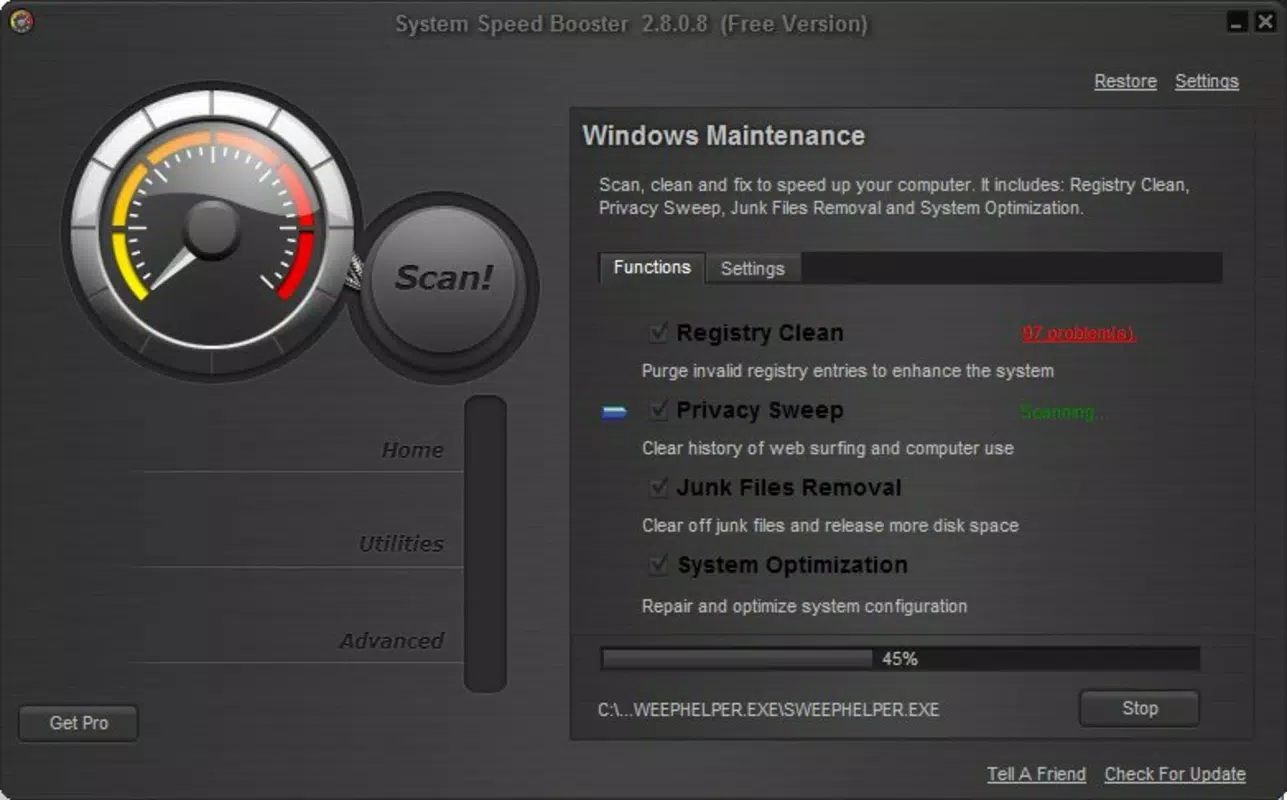
- Comprehensive System Cleanup – The app performs a full scan to detect outdated registry entries and temporary junk files that accumulate over time. By identifying and removing these elements, it helps reduce system overhead and improve stability.
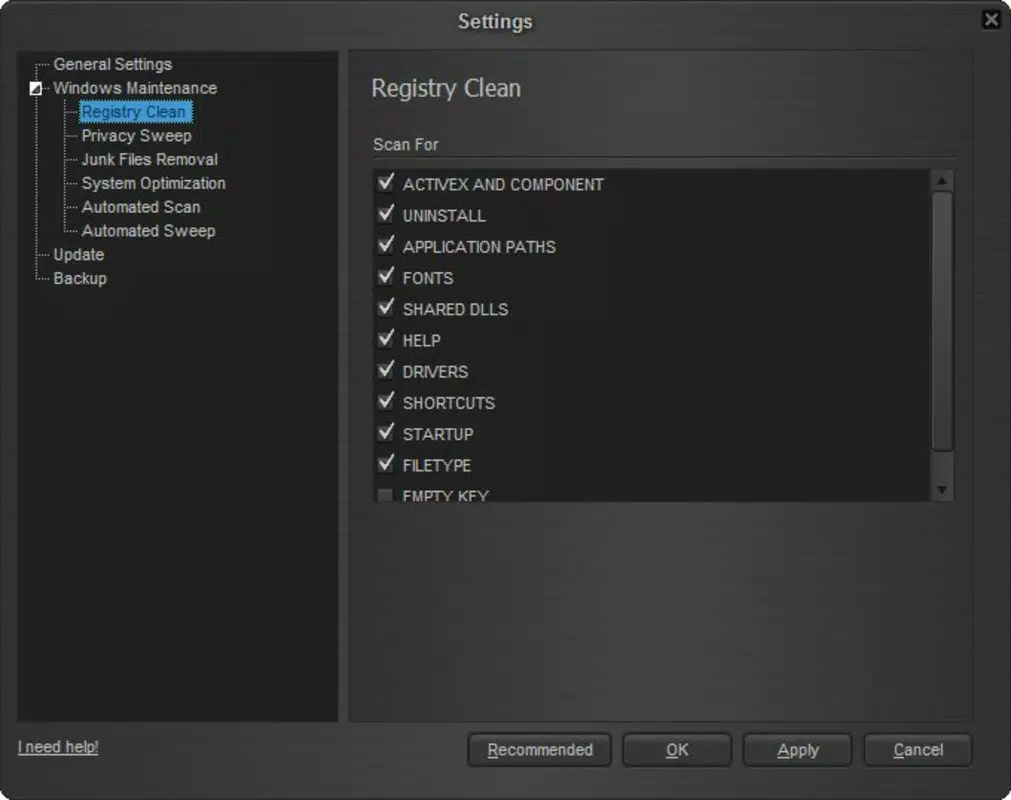
- Customizable Scanning Options – Users can select specific areas of the system to scan, allowing for precise control over which components are analyzed and cleaned. This flexibility ensures that sensitive or critical files remain untouched during optimization.
- Disk Cleaner Tool – This feature targets unnecessary files such as cache, logs, and temporary downloads, freeing up valuable disk space and improving read/write efficiency.
- Direct Access to Control Panel – The interface includes a shortcut to the system’s Control Panel, enabling users to quickly navigate to system settings without leaving the app, enhancing workflow efficiency.
- Automatic Shutdown Function – Users can schedule the device to power down automatically after a period of inactivity, promoting energy conservation and reducing wear on hardware.
For example, a user running a video editing project can use the disk cleaner to free up space before starting a large render. Similarly, someone managing a home office setup may use the automatic shutdown feature to ensure their computer turns off overnight, saving electricity and minimizing idle runtime.
Interface, UX & Performance
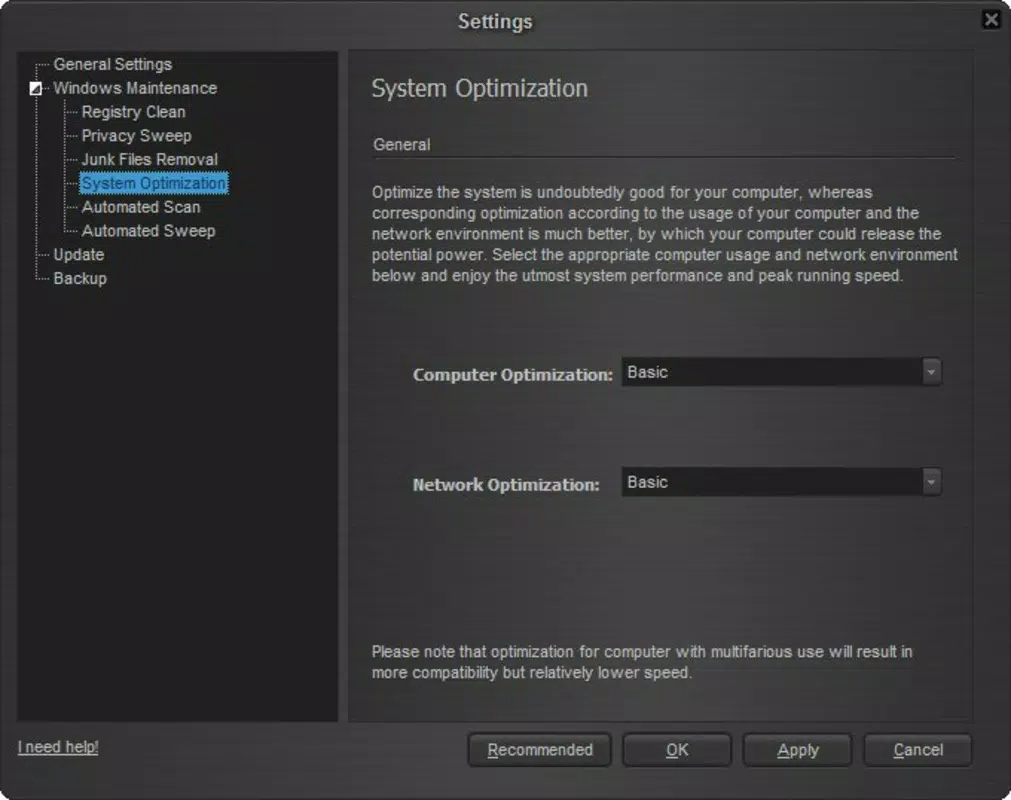
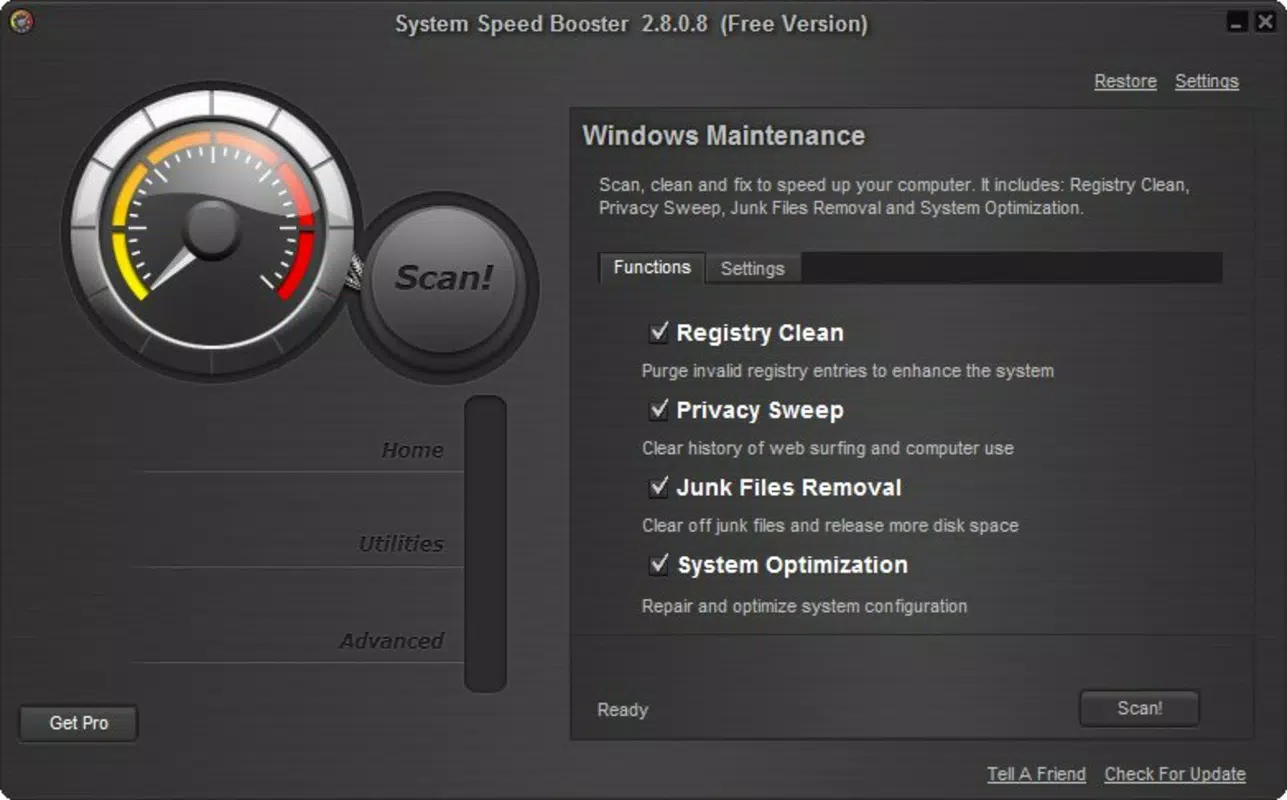
The user interface of System Speed Booster is designed with simplicity in mind, featuring a clean layout that emphasizes functionality over visual complexity. Navigation is straightforward, with clearly labeled buttons and a logical flow from scanning to cleanup to system adjustment. The app’s visual style aligns with standard Windows utility aesthetics, ensuring familiarity for most users.
Although the developer did not list formal performance metrics, the app operates within a 45.8 MB file size, indicating a lightweight footprint. This suggests efficient resource usage, which is crucial for maintaining system responsiveness during operation. The application appears to be stable during typical usage scenarios, with no reported issues related to crashes or freezes.
Responsiveness across different device categories—such as laptops, desktops, and older machines—is expected to be consistent due to the app’s minimal system requirements. However, specific compatibility details were not disclosed. Overall, the UX is optimized for ease of use, making it accessible to users of all technical skill levels.
Platform Compatibility & Technical Requirements
System Speed Booster is available exclusively for the Windows platform. It requires a Windows operating system, though the exact version was not specified by the developer. The app has a file size of 45.8 MB, which is relatively small, suggesting it does not impose significant storage demands.
Although the developer did not specify minimum OS requirements, the application is likely compatible with modern Windows versions, including Windows 10 and Windows 11. The lack of detailed technical specifications means users should exercise caution when installing on older or non-standard systems. Compatibility information was not fully disclosed, so it is recommended to verify system compatibility before installation.
Pros and Cons
Pros
- Lightweight design with a small file size (45.8 MB)
- Simple, intuitive interface suitable for all user levels
- Offers customizable scanning for targeted cleanup
- Includes useful tools like disk cleaner and automatic shutdown
- Direct access to the Control Panel enhances workflow
Cons
- Specific OS version requirements were not listed
- Developer did not provide detailed performance benchmarks
- Limited information on security protocols or data handling
- Price point of $2.99 may be considered high for a single utility
- No indication of update frequency or long-term support
FAQ
Is System Speed Booster safe to use?
Yes, the app is designed to remove non-essential files and registry entries. However, users should ensure they are running the latest version and avoid modifying system-critical components unless necessary.
Can I use this app on older versions of Windows?
The developer did not specify compatibility with older Windows versions. While the app may function on legacy systems, it is recommended to verify system requirements before installation.
Does System Speed Booster require internet access?
While the app’s core functions operate offline, certain features like updates or license verification may require an internet connection. Specific details were not provided.
How often should I run the system cleanup?
Users can run the scan as needed, depending on their device usage. For optimal performance, running it once a month is generally sufficient for most users.
Is the app free to download?
System Speed Booster is not free. It is available for a one-time purchase of $2.99. No trial version was mentioned in the provided details.
Final Thoughts
System Speed Booster presents a focused, no-frills solution for users looking to improve their Windows device’s performance through routine maintenance. Its combination of disk cleanup, registry optimization, and system control features makes it a practical tool for both everyday users and those managing demanding workloads. The app’s lightweight design and straightforward interface ensure accessibility without sacrificing functionality.
While the lack of detailed technical specifications and pricing transparency may raise questions, the app delivers on its core promise: enhancing system speed and efficiency. For individuals seeking a reliable utility to maintain their PC’s health, System Speed Booster offers tangible value. Its targeted approach to optimization sets it apart from more complex or bloated alternatives.
Download System Speed Booster now


